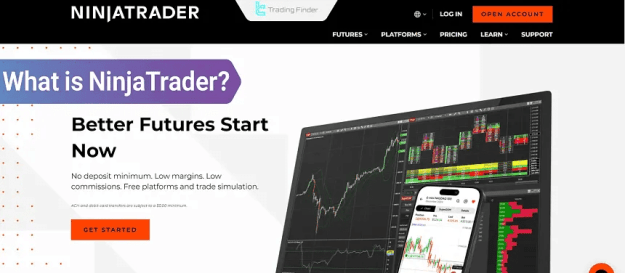
Key capabilities include custom strategy design, comprehensive backtesting, advanced risk-management tools, and seamless connectivity to multiple brokerages. In addition to its technical strengths, NinjaTrader also serves as a valuable resource for forex education, enabling traders to study currency-market behavior, test forex-focused strategies, and enhance their understanding of market structure and execution dynamics. This feature set—centered on high speed, precision, and deep customizability—solidifies NinjaTrader’s position as an essential tool for professional and semi-professional traders.
Prop Firm DrawDown Protector : Prop Firm Capital Protection Expert MT4 | Forex Money Management: Forex Trade Management Expert MT4 |ICT Concepts Indicator MT4 | Smart Money Concepts Expert MT4| Smart Money Trap Scanner | Get a free Expert Advisor license via Telegram and WhatsApp
Core Features and Capabilities of NinjaTrader
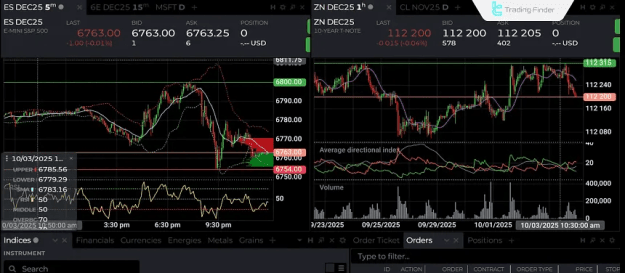
NinjaTrader's extensive toolkit provides traders with a fully customizable and powerful trading workspace. Its architecture is built for precision, speed, and adaptability.
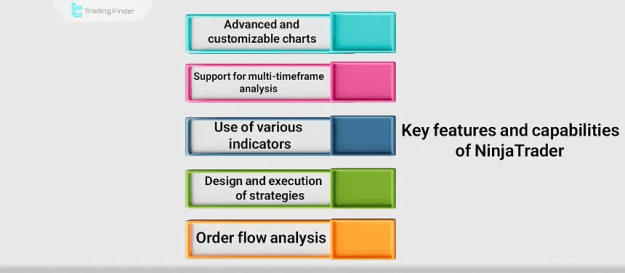
Key features include:
- Advanced Charting: Highly customizable charts supporting multi-timeframe analysis for deep technical insight.
- Extensive Indicator Library: Access to a vast array of built-in and user-extensible technical indicators.
- NinjaScript Programming: A powerful .NET-based environment for designing, backtesting, and deploying custom automated trading strategies and indicators.
- Advanced Order Management: Utilizes Automated Trading Strategies (ATM) for sophisticated, rule-based trade execution and risk management.
- Order Flow & Volume Analysis: Specialized tools for market depth analysis, available in advanced editions (Order Flow+).
- Accurate Backtesting: Rigorous strategy testing against high-quality historical data.
- Direct Brokerage Integration: Live trading connectivity to several major brokerages for precise order execution.
- Real-Time Data & Alerts: Customizable real-time data visualization and trading alert systems.
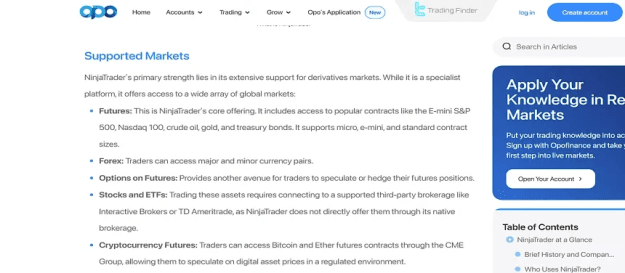
- Cross-Market Support: Functionality tailored for diverse markets including futures, forex, and stocks.
NinjaTrader Platform Editions
NinjaTrader is offered in tiered editions to suit varying levels of trader needs and expertise. The modern NinjaTrader 8 platform provides superior performance, stability, and tools compared to the legacy NinjaTrader 7.
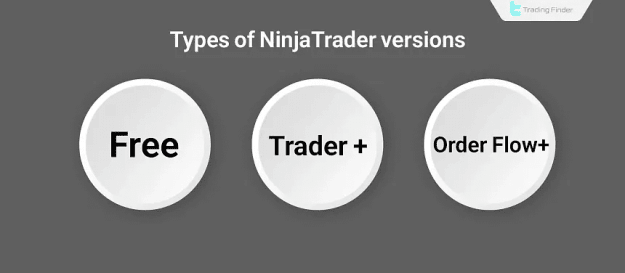
The three primary licensing tiers are:
- Free Edition: Ideal for charting, basic analysis, indicator use, and simulated trading (demo).
- Trader+ Edition: Unlocks advanced trading features including ATM Strategies, enhanced analytical tools, and live trading capabilities.
- Order Flow+ Edition: The complete package for professionals, adding advanced order flow, Volume Profile, and footprint charting tools.
Selection Guideline:
For market analysis and practice, the Free edition is sufficient. For live strategy execution and professional trading, the Trader+ or Order Flow+ editions are recommended.
Expansive Ecosystem: Add-Ons, Indicators, and Tools
NinjaTrader's open and flexible framework is supported by a vast ecosystem, significantly extending the platform's native functionality.
- Users can access hundreds of professional-grade add-ons, indicators (e.g., SuperTrend, Volume Profile), and tools through the NinjaTrader Ecosystem.
- The NinjaScript programming environment allows technically inclined traders to develop their own proprietary indicators and automated trading systems.
- This ecosystem ensures the platform can adapt to specialized trading methodologies and evolving market analysis techniques.
Supported Brokers and Market Connectivity
NinjaTrader maintains direct integration with a select group of reputable global brokers, facilitating live trading across multiple asset classes.
Key supported brokers include:
- NinjaTrader Brokerage: The platform's dedicated broker, offering optimized integration, low commissions, and fast execution for futures.
- Interactive Brokers: Provides broad market access (stocks, futures, forex, options) via API integration.
- FOREX.com & OANDA: Major forex and CFD brokers offering competitive spreads and stable data feeds.
- FXCM & City Index: Established brokers providing connectivity for forex and CFD trading.
Note: Broker support is primarily focused on U.S. and major international markets, which can be a limitation for traders in some regions.
NinjaTrader Platform Pros and Cons
Pros:
- Professional, highly customizable user interface.
- Superior automated trading support via NinjaScript.
- Advanced backtesting with quality historical data.
- Powerful Order Flow and Volume Analysis tools (in Order Flow+).
- High-speed order execution and stable broker connections.
- Access to a vast library of custom indicators and add-ons.
- Available on desktop (Windows), web, and mobile.
Cons:
- Steep learning curve and initial complexity for beginners.
- Requires relatively powerful hardware for optimal performance.
- Limited support and brokerage options for users outside the United States.
- Professional editions (Trader+/Order Flow+) involve licensing costs.
- No native macOS support; requires an emulator or Windows.
- The full-featured demo version is time-limited (typically 13 days).
Challenges, Limitations, and Risk Considerations
While powerful, NinjaTrader presents certain challenges that users must acknowledge:
- The platform's complexity necessitates a foundational understanding of technical analysis and software configuration.
- Market data depends on connections to third-party providers or brokers.
- Automated trading carries inherent risks, including potential software errors or strategy flaws, especially during high volatility.
- Effective use requires continuous strategy monitoring and disciplined risk management.
- Traders must be mindful of the general risks associated with leveraged financial market trading.
Getting Started: Registration and Setup
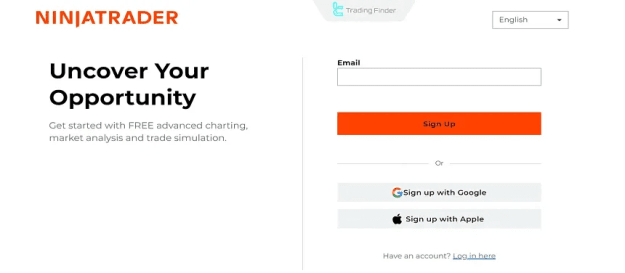
Step 1: Account Creation.
Visit the official NinjaTrader website and select "Open Account." Enter a valid email address to begin the registration and verification process.
Step 2: Choose Account Type.
After verification, choose between opening a Live Account or creating a Demo Account for risk-free practice (funded with virtual capital).
Step 3: Platform Access.
NinjaTrader offers three access methods:
- Web Platform: Instant browser-based access for charting and trading.
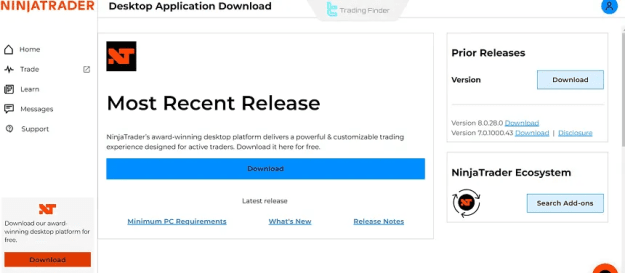
- Desktop Software: Download the full-featured Windows application for advanced analysis and development.
- Mobile App: Available for iOS and Android to monitor positions and execute trades on the go.
Step 4: Interface Navigation.
Upon login, you can access your live or demo trading environment. Familiarize yourself with the workspace, charting tools, and order entry panels.
NinjaTrader vs. MetaTrader: Key Differences
While both are leading platforms, they cater to different trader profiles:
- Primary Focus: NinjaTrader is engineered for futures trading and advanced automated strategies. MetaTrader is predominantly focused on forex and CFDs with broader retail adoption.
- Interface & Customization: NinjaTrader offers a more professional, highly customizable workspace. MetaTrader provides a simpler, more standardized interface.
- Programming & Automation: NinjaTrader uses NinjaScript (.NET-based) for deep, granular strategy control. MetaTrader employs MQL4/MQL5, which is accessible but offers less low-level control.
- Advanced Analytics: NinjaTrader excels with native Order Flow and Volume Analysis tools. MetaTrader largely relies on third-party indicators for similar functionality.
- Broker Integration & Cost: MetaTrader has wider global broker support and is typically free. NinjaTrader connects to select professional brokers, with advanced features requiring a paid license.
Conclusion
NinjaTrader stands as a specialized, high-power platform tailored for traders who require advanced analytical tools, sophisticated automated trading, and precise order execution. Its strengths in customizability, strategy development, and futures market analysis are unparalleled for the professional user.
However, its technical complexity, specific system requirements, and regional brokerage limitations mean it is less suited for absolute beginners or traders in unsupported regions.
The decision between NinjaTrader and alternatives like MetaTrader ultimately hinges on the trader's specific goals, target markets, technical expertise, and need for advanced analytical control. For the serious analyst or strategy developer in futures and forex, NinjaTrader represents a top-tier solution.