Key Features of TradingView
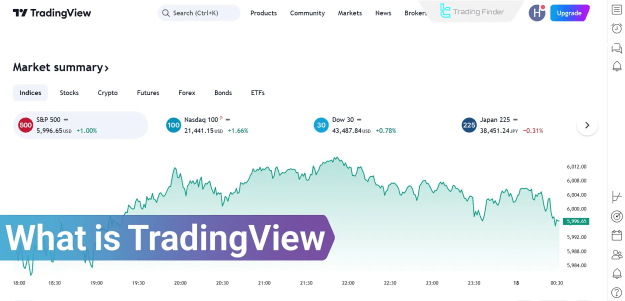
TradingView offers an extensive array of features designed to empower traders, including watchlists, market screeners, and trading alerts.
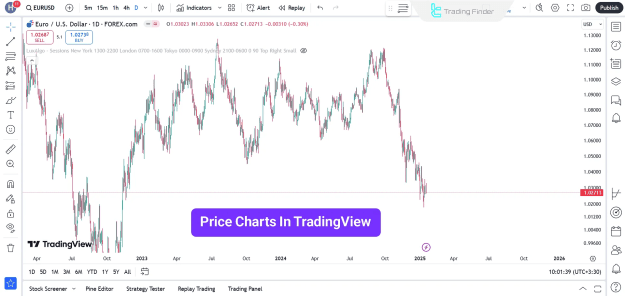
Advanced Charts
TradingView provides a comprehensive selection of chart types to facilitate in-depth market visualization, such as:
- Candlestick charts
- Heikin Ashi
- Renko
- Kagi
The platform supports multiple timeframes, various graphical themes, price action analysis, and pattern recognition, all of which are crucial for detailed market examination.
Technical Indicators
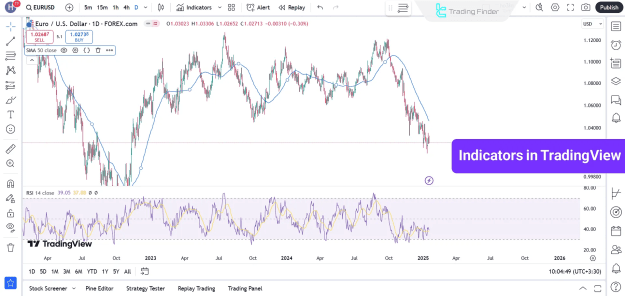
The platform boasts over 100 built-in indicators to assist traders in their analytical processes. Popular indicators available on TradingView include:
- Moving Average (MA)
- Relative Strength Index (RSI)
- MACD
- Bollinger Bands
Traders can also enhance their analytical capabilities by adding custom-built TradingView indicators to their chosen symbol charts.
Drawing Tools
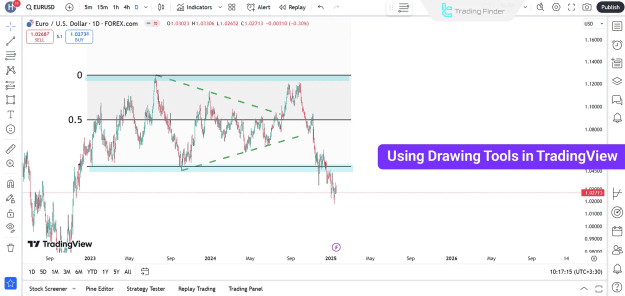
TradingView offers a comprehensive suite of drawing tools essential for technical analysis, such as:
- Trend lines
- Fibonacci Retracements
- Support/Resistance Levels
Trading Alerts
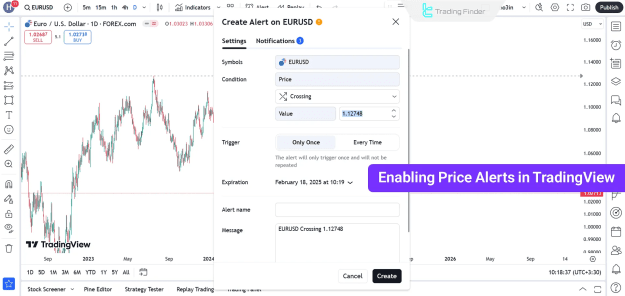
Users can set highly customizable trading alerts within the TradingView platform, based on price levels, technical indicators, or specific market events. These alerts are delivered through various channels, including visual pop-ups, email, SMS, mobile notifications, and TradingView webhooks.
Fundamental Analysis
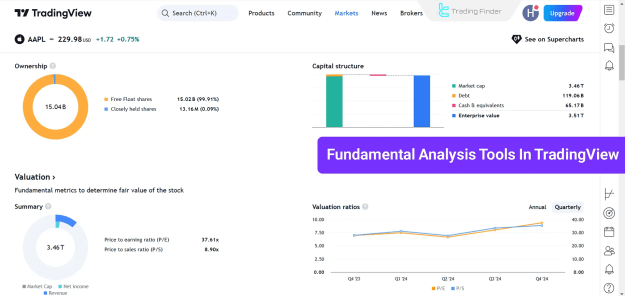
Beyond technical tools, the platform provides robust features for fundamental analysis, including:
- Valuation ratios
- Financial statement analysis
- Historical company data
Watchlist
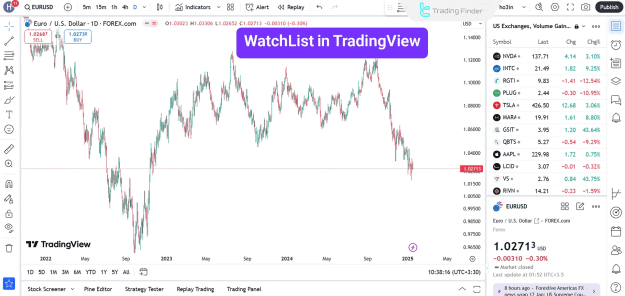
The Watchlist is a real-time utility designed for monitoring price movements and trading volumes. It also enables users to swiftly switch between symbols displayed on the widget panel, facilitating efficient market tracking.
Bar Replay Tool
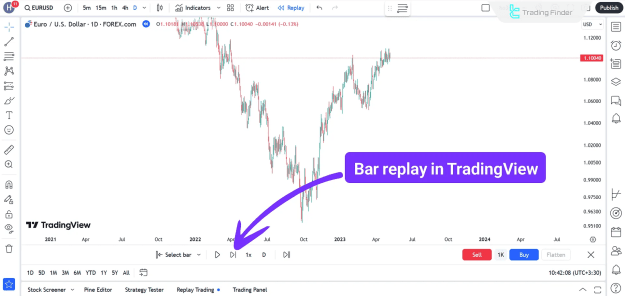
The Bar Replay feature allows users to simulate past price movements. This is an invaluable tool for testing strategies and evaluating trade setups under various historical conditions.
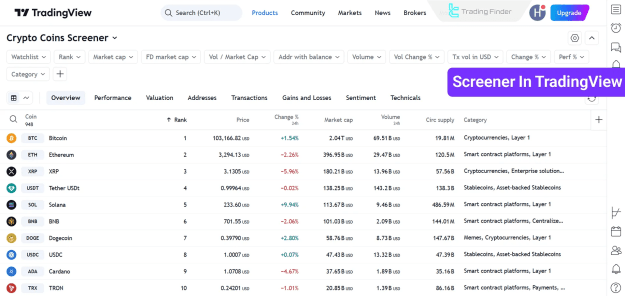
Market Screener
The Screener is a powerful tool for searching and sorting assets based on user-defined parameters, enabling targeted market exploration.
News Coverage
The News feature delivers real-time, comprehensive financial news sourced from globally recognized agencies, ensuring traders remain informed about critical market developments.
Pine Script
TradingView offers Pine Script, a proprietary programming language that allows users to create custom indicators, strategies, and alerts. Resources like TradingFinder's TradingView Scripts page provide access to up-to-date indicators and trading strategies.
Trading Ideas
The Trading Ideas section fosters a collaborative environment where users can share their strategies, tactics, and analyses with a global community of traders, or draw inspiration from others.
Live Video Streaming
The platform supports live video streaming, enabling traders to share their market insights, analyses, and strategies interactively and in real-time with other users.
TradingView Chat
The chat feature facilitates real-time conversations and networking among traders on the platform.
TradingView: Advantages and Disadvantages
While TradingView offers numerous benefits, it also has certain limitations.
Pros:
- Extensive tools for both technical and fundamental analysis
- Coverage of multiple markets and asset classes
- Facilitates easy comparison of various instruments on a single chart
Cons:
- Limitations in the free version of the platform
- Limited customer support options
- Not compatible with all brokers and exchanges
Conclusion
TradingView provides a comprehensive suite of customizable charts and analytical tools essential for traders. These include over 100 technical indicators, diverse drawing tools, the Bar Replay feature, and a dynamic watchlist. Coupled with functionalities such as trading alerts and extensive news coverage, TradingView effectively assists users in staying informed about the latest market changes and executing informed trading decisions.