Download MetaTrader 4 for All Devices
- MetaTrader 4 for Windows
- MetaTrader 4 for macOS
- MetaTrader 4 for Android
- MetaTrader 4 for iOS
MetaTrader 4 Installation for Desktop Devices
The following steps explain how to download and install MT4 on desktop operating systems, including Windows and macOS.
Installing MetaTrader 4 on Windows
To install MT4 on a Windows PC:
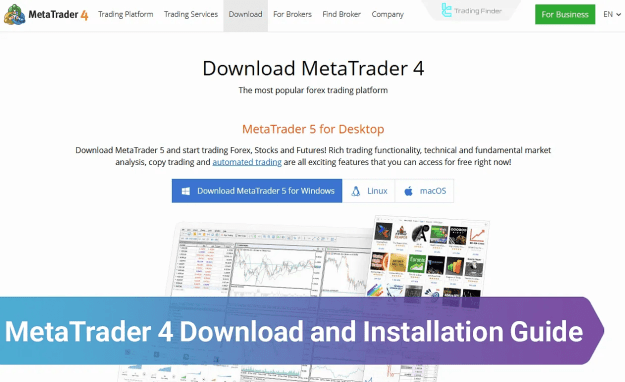
- Visit the official MetaTrader 4 website.
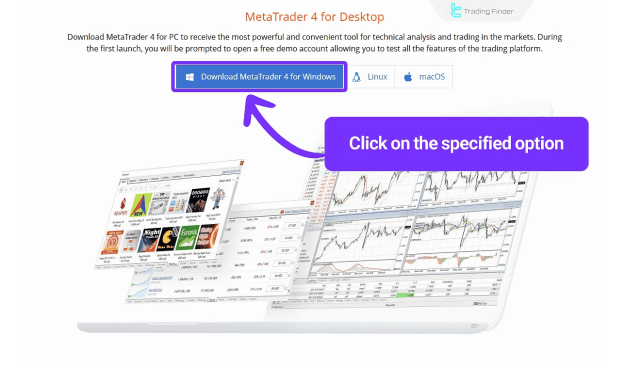
- Click the Download MetaTrader 4 for Windows button.
- Open the downloaded installation file.
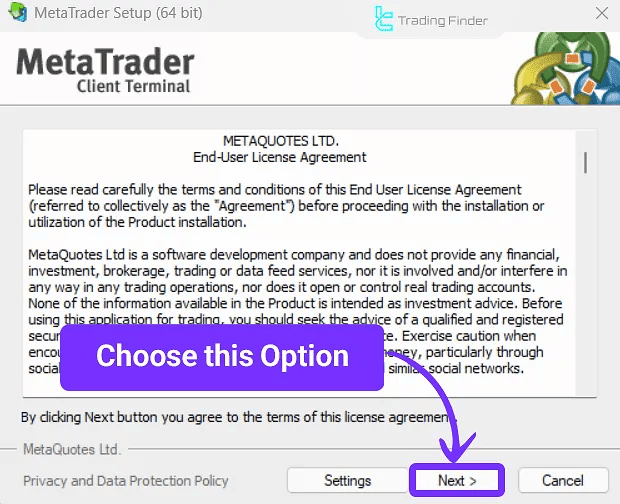
- In the setup window, click Next to proceed.
- Wait for the installation process to complete.
Once installed, MT4 will be ready for use. You can now customize charts, install Expert Advisors, and add your preferred MetaTrader 4 indicators.
Installing MetaTrader 4 on macOS
To install MT4 on macOS:
- Navigate to the official MetaTrader 4 download page.
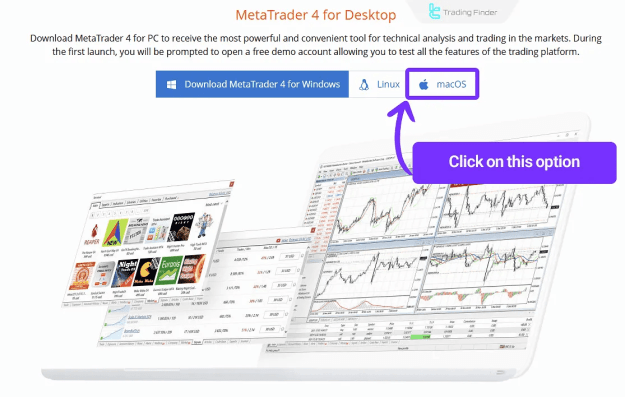
- Select Download MetaTrader 4 for macOS.
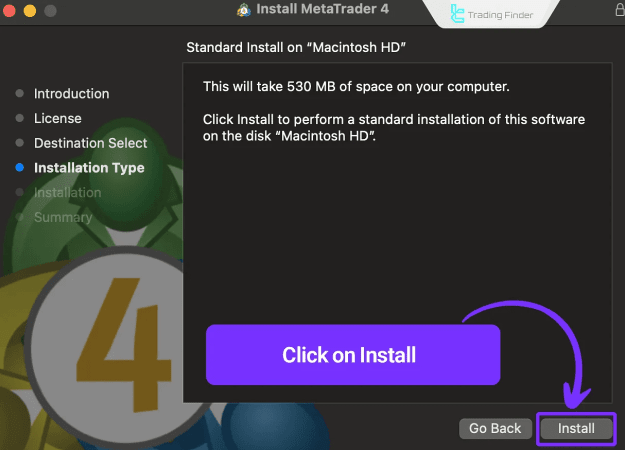
- Open the downloaded file and choose Install.
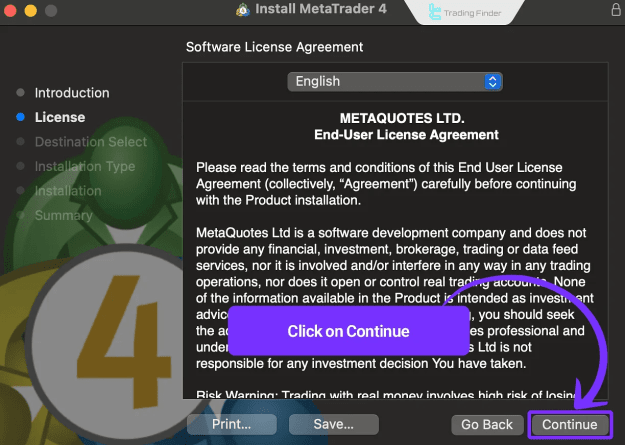
- Click Continue through the installation steps.
- Accept the license agreement by clicking Agree.
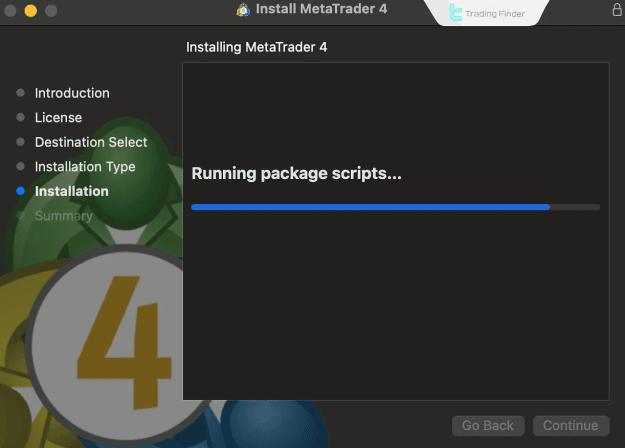
- Allow the installation process to finish.
After setup is complete, MT4 will appear in your Applications folder, ready for trading operations.
MetaTrader 4 Installation for Mobile Devices
With mobile trading becoming increasingly important, MT4 offers full compatibility on Android and iOS platforms.
Installing MetaTrader 4 on Android
To get MT4 on Android:
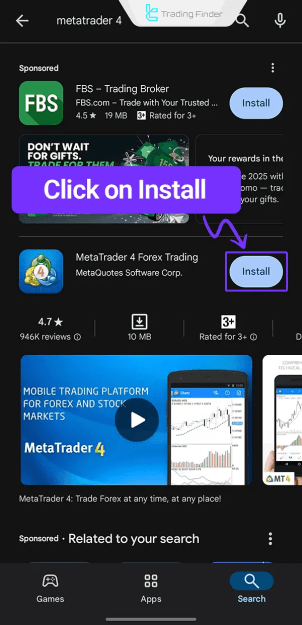
- Open the Google Play Store.
- Search for MetaTrader 4.
- Tap the Install button.
- The application will be downloaded and installed automatically.
Once installed, log in using your broker credentials to access your trading account.
Installing MetaTrader 4 on iOS
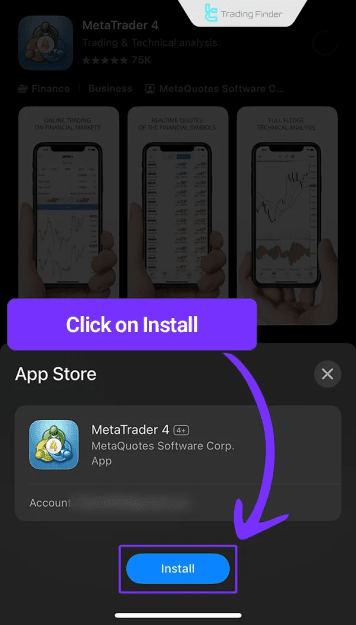
To install MT4 on iPhone or iPad:
- Open the App Store on your iOS device.
- Search for MetaTrader 4.
- Select the correct app from the list.
- Tap Install to begin the process.
After installation, the MT4 app will be accessible for mobile trading from your home screen.
Key Features of MetaTrader 4
- Real-time quotes and charting for multiple financial instruments
- Access to both built-in and custom technical indicators
- One-click trading and advanced charting tools
- Full support for Expert Advisors (EAs) and automated strategies
- Seamless multi-device access via desktop and mobile
Conclusion
This MetaTrader 4 Download and Installation Guide provided step-by-step instructions for installing the MT4 platform on Windows, macOS, Android, and iOS devices. As a cornerstone of forex education, MetaTrader 4 offers traders a powerful and flexible environment for technical analysis, trade execution, and strategy automation. For further learning, explore additional MT4 tutorials and tools available on our platform.